Attendance management software
Attendance Management Software for Leave, WFH and Availability
See who is in, who is on leave and who is working from home — without stitching together spreadsheets, chat messages and a separate biometric export.
What attendance management software covers
- Unified leave, WFH and availability record
- Real-time team attendance view
- Work-from-home requests and approvals
- Company-wide holidays and blocked dates
- Per-employee attendance and leave history
- Export-ready records for payroll
One source of truth for availability
Leave, work-from-home and holidays live in the same record, so a manager can answer “who is actually available today?” in one glance instead of checking three different tools. There is no reconciling a leave spreadsheet against a chat thread against a holiday calendar — availability is a single, current view that everyone reads the same way.
Work-from-home treated like real attendance
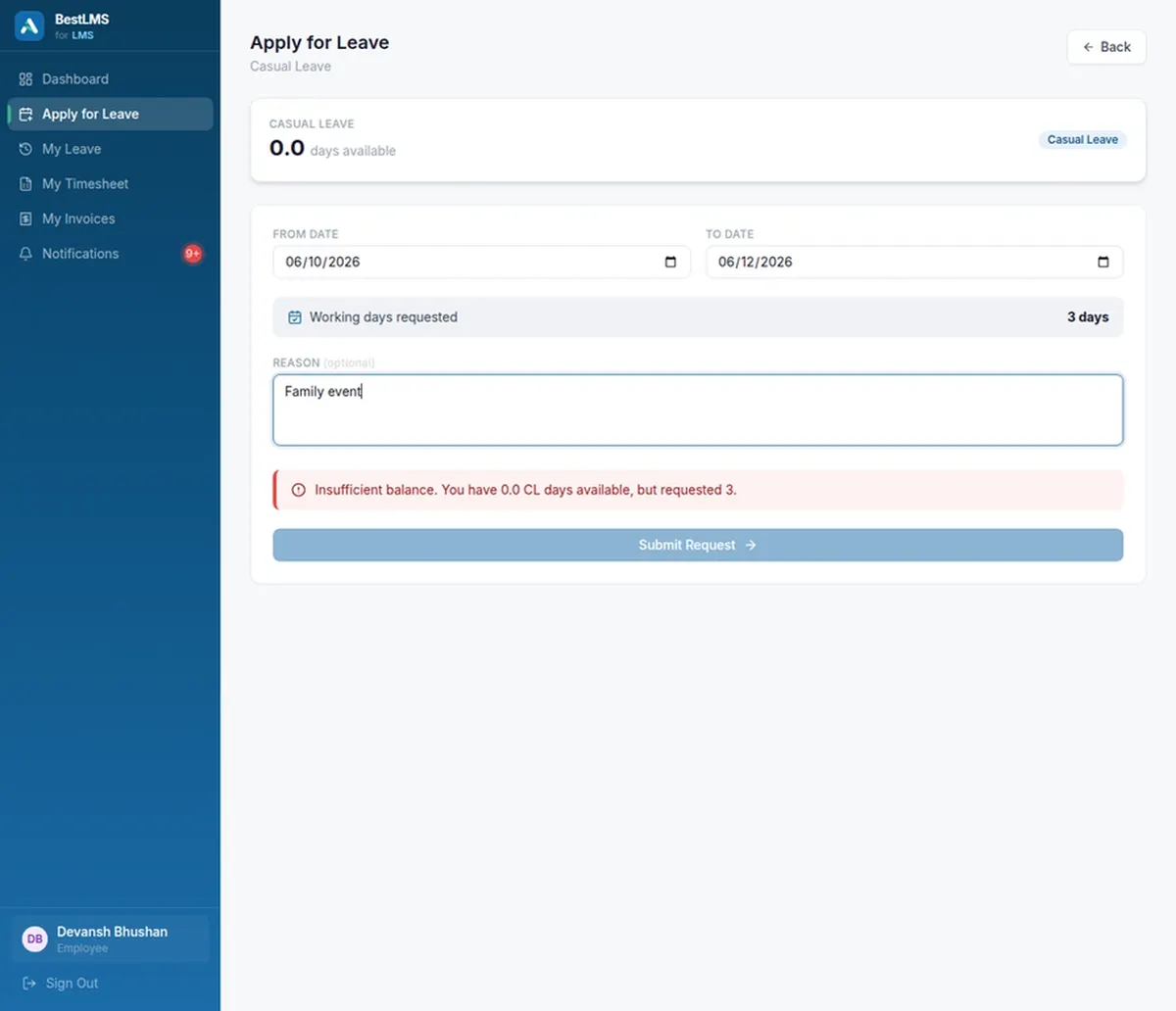
Employees request work-from-home the same way they request leave, through a guided flow that routes to their manager for approval. Once approved, the day is logged and visible in the team view — not lost in a chat thread — and it feeds the same reliable record. Remote days become first-class attendance data instead of an informal arrangement nobody can report on later.
Holidays and blocked dates everyone can see
Company-wide holidays and blocked dates are configured once and applied everywhere: they show up in the team availability view, and new leave and WFH requests are validated against them before they reach a manager. That stops requests landing on days the business is closed or deliberately protected, and keeps the whole team working from the same calendar.
Clean, export-ready data for payroll
Because leave, WFH and attendance share one reconciled record, the numbers that flow to payroll and finance are already correct and ready to export, with no second round of manual matching. Each employee also has a complete, timestamped attendance and leave history you can open in seconds for a review, an audit or a dispute.
Frequently asked questions
What is attendance management software?
Attendance management software records who is present, on leave or working remotely and keeps an accurate history of each employee’s availability. BestLMS combines leave, work-from-home and company holidays into one attendance record instead of separate spreadsheets and tools.
Does BestLMS track work-from-home as well as leave?
Yes. Employees submit WFH requests through the same guided flow as leave. Once approved, the day is logged and shown in the team availability view, so remote days are treated as first-class attendance data rather than an informal arrangement.
Can attendance data be used for payroll?
Because leave, WFH and attendance share one reconciled record, the data is export-ready for payroll and finance. Approved leave and availability feed straight through without a second round of manual matching or reconciliation.
How do managers see who is available?
A real-time team view shows who is in, who is on leave and who is working from home, along with upcoming holidays and blocked dates, so cover can be planned before gaps appear rather than discovered on the day.
Does BestLMS handle company holidays and blocked dates?
Yes. Company-wide holidays and blocked dates are configured once, shown in the availability view, and used to validate new leave and WFH requests before they reach a manager, so requests never land on closed or protected days.