Leave approval system
Leave Approval System with Multi-Level Manager Approvals
A leave approval workflow that ends the back-and-forth: requests reach the right manager instantly, approvals happen in one click, and every decision is recorded with a reason.
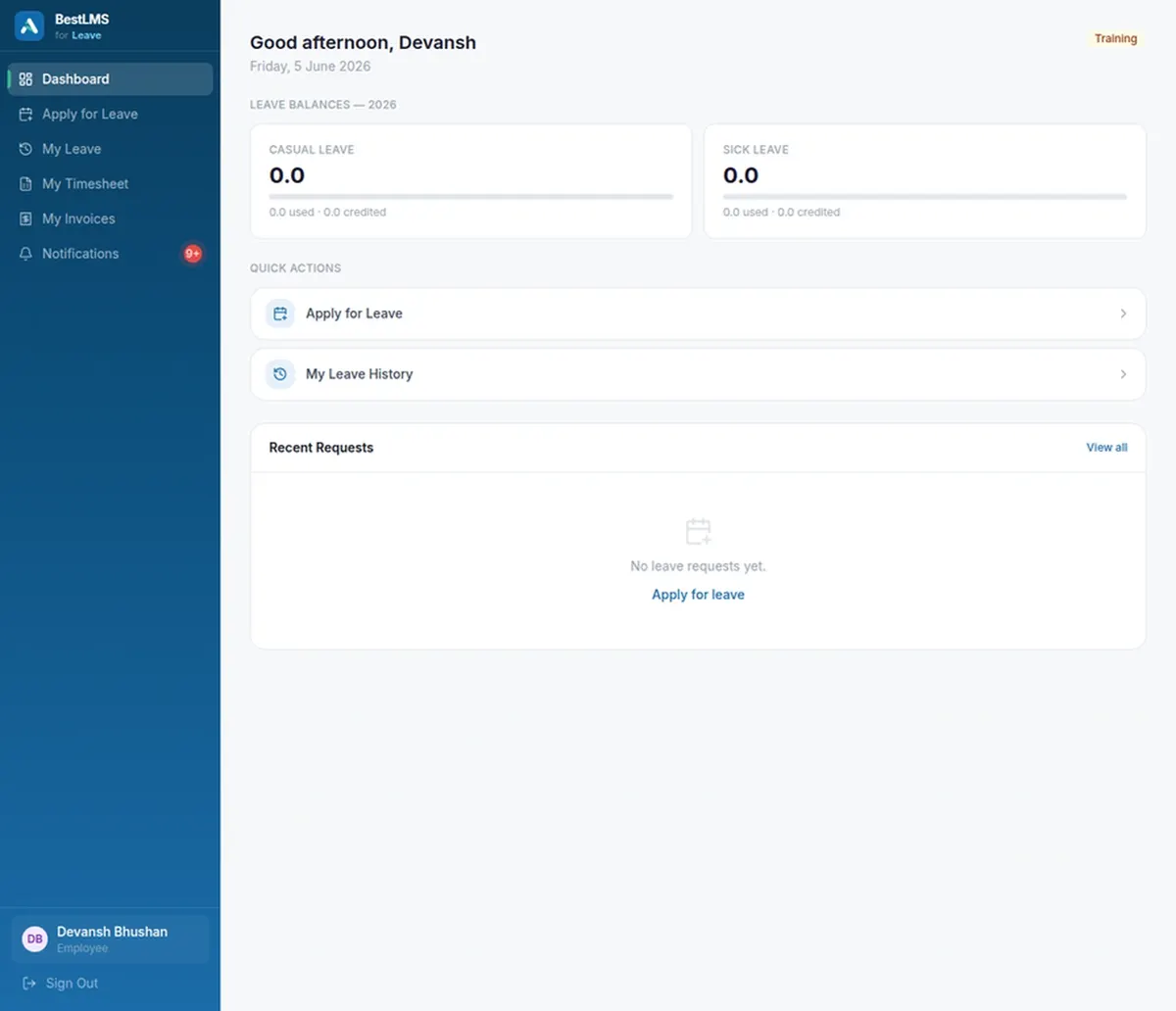
What leave approval system covers
- Automatic routing to the assigned approver
- Instant email alerts on every request
- One-click approve or decline with a reason
- Multi-level approvals for longer leave
- Team availability shown before approving
- Complete, timestamped approval trail
Requests reach the right approver instantly
Every request is routed to the employee’s assigned manager — and, where policy needs it, up a second level for longer or sensitive leave. There is no forwarding and no “who approves this?”, because the workflow already knows the reporting line. The request lands in the approver’s queue and inbox the moment it is submitted, so nothing waits on someone noticing an email or being copied into a thread.
Approvals in seconds, with a reason
Managers approve or decline from the email alert or a live queue, on any device. Declines carry a reason the employee sees immediately, so nobody is left guessing why a request was turned down or chasing a manager for an explanation. Approvals are equally fast, which means employees get certainty about their plans instead of waiting days for a decision that takes seconds to make.
No overlapping absences
Approvers see who on the team is already scheduled off before they sign anything, right next to the pending request. That single piece of context prevents the most common approval mistake — quietly signing off two or three people for the same critical day — and lets managers plan cover instead of discovering a gap after the fact.
An audit trail by default
Who requested, who approved, when, and why is captured automatically on every request and kept in one place — ready for HR review or an audit without reconstructing anything. There is no separate log to maintain: the trail is a by-product of using the system, so a year-end reconciliation or a dispute is answered in minutes rather than rebuilt from chat history and inboxes.
Frequently asked questions
What is a leave approval system?
A leave approval system routes employee time-off requests to the correct approver, notifies them, and records the decision. BestLMS delivers requests to the assigned manager instantly, supports multi-level approvals for longer leave, and keeps a complete approval trail for every request.
Does BestLMS support multi-level leave approvals?
Yes. Requests route to the employee’s manager by default, and you can require a second level of approval for longer or sensitive leave. HR administrators retain organisation-wide visibility and override rights across every request.
How are managers notified of new requests?
Managers receive an email notification the moment a request is submitted and see it in a live approval queue. They can approve or decline directly from either place, and declines require a reason that the employee sees immediately.
Can approvers see who else is on leave?
Yes. Team availability is shown alongside each pending request, so approvers can avoid overlapping absences and plan cover before they approve rather than discovering a clash afterwards.
What happens to a request while a manager is away?
Requests stay in the live queue with a clear status, and HR administrators retain override and visibility rights, so approvals never disappear into an absent manager’s inbox. Multi-level routing and admin oversight mean a decision can always be made.